Note-taking in Obsidian
For the past few years, I've been using Obsidian as my primary note-taking app. It's been pretty great so far for recording my thoughts and building a personal knowledge base.
Previously, I relied on OneNote during university, but eventually stopped due to general dissatisfaction with Microsoft. I switched to Notion for a few years, but frequent downtime and its always-online requirement meant that on three separate occasions I couldn't access my notes when I needed them. Obsidian strikes the right balance for me and provides what I need in a note-taking solution.
Obsidian has a local-first approach. Notes are stored locally as plain text Markdown files, which means they aren't reliant on a stable internet connection. Being plain text also means my notes will still be around even if Obsidian isn't. It is essentially a long term guarantee against vendor lock-in and product degradation.
The local-first nature, combined with Obsidian Sync which allows syncing across devices, means that Obsidian offers the reliability of a local-first app with the convenience of cloud syncing.
Despite using plain text Markdown files, Obsidian offers the key ability to link notes, creating a network of interconnected ideas. Combined with tags and robust search functionality, it's easy to navigate and rediscover old notes as needed.
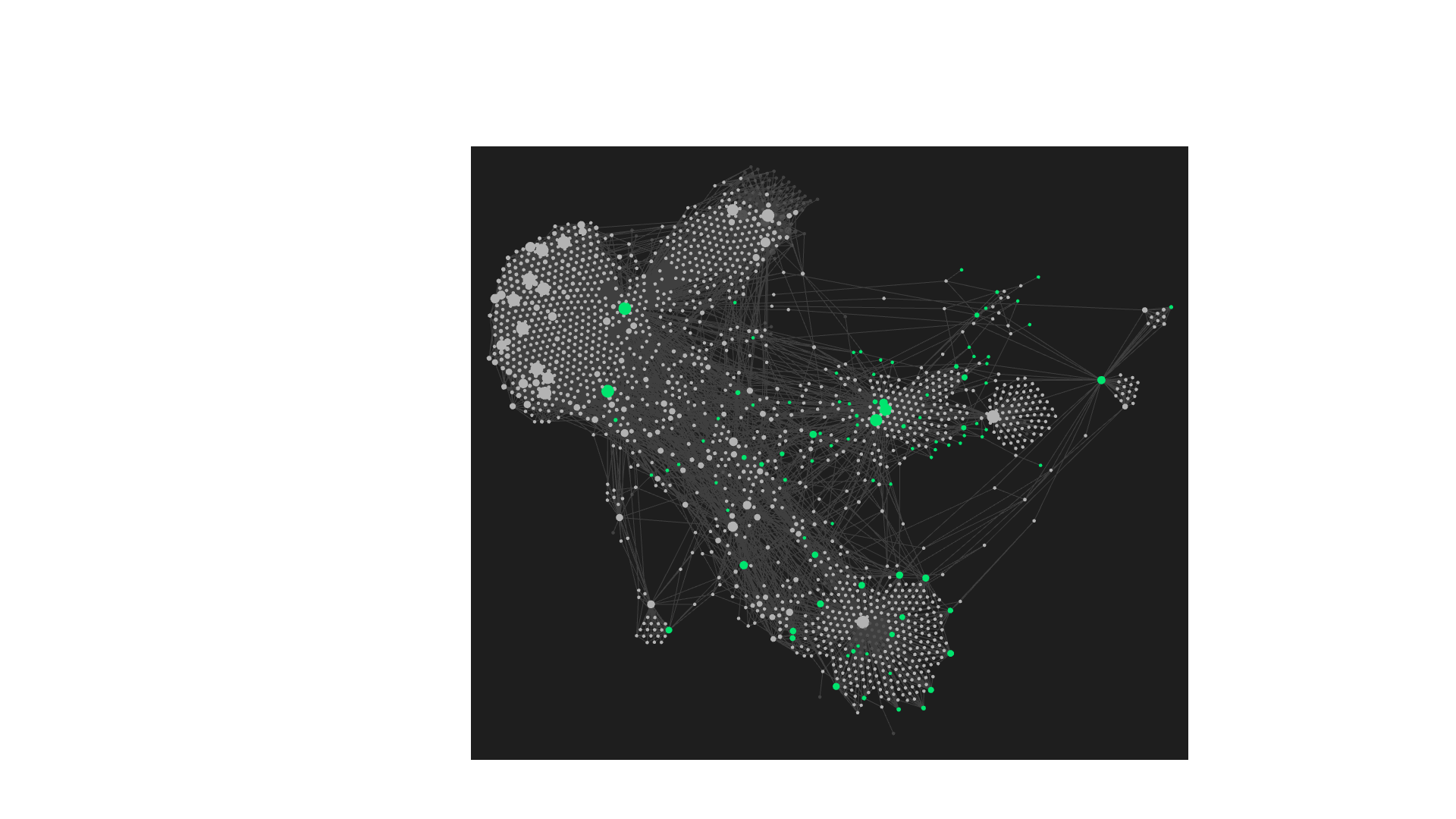
It also generates a pretty graph.
Obsidian also has a rich plugin ecosystem, though I would caution against over-reliance on plugins, as you lose the simplicity of the core experience. The one plugin I really do recommend is Custom Sort which allows you to specify individually how each folder is to be sorted, e.g.: one folder could be sorted by note name while another is sorted by created date.
My note-taking strategy is straightforward: I create one daily note per day, keeping the structure flexible, and using links to connect related ideas. My daily notes focus on projects and people I interact with.
I use tags and folders to categorise notes broadly, limiting the number of tags to keep things manageable and using a relatively flat folder structure to enable quickly finding the right note.
I've moved my internet bookmarks into Obsidian notes, which prevents link rot, allows searching, and enables me to link related resources. I've never again had a moment where I couldn't recover a useful blog post or website bookmark from vague memories.
I've also started writing notes on books I'm reading, capturing key ideas and quotes that resonate with me. And I also store recipes in Obsidian, making it easy to find and reference them when I need to cook.
Obsidian has become an invaluable tool I use every day as part of my second brain.